
WATConnector Shuttles
2026 Holidays
No Shuttle Service
| Holiday | Date |
|---|---|
| New Year's Day | Thursday, January 1 |
| Presidents' Day | Monday, February 16 |
| Memorial Day | Monday, May 25 |
| Independence Day (Observed) | Friday, July 3 |
| Labor Day | Monday, September 7 |
| Veterans Day | Wednesday, November 11 |
| Thanksgiving Day | Thursday, November 26 |
| Day after Thanksgiving | Friday, November 27 |
| Christmas Day | Friday, December 25 |
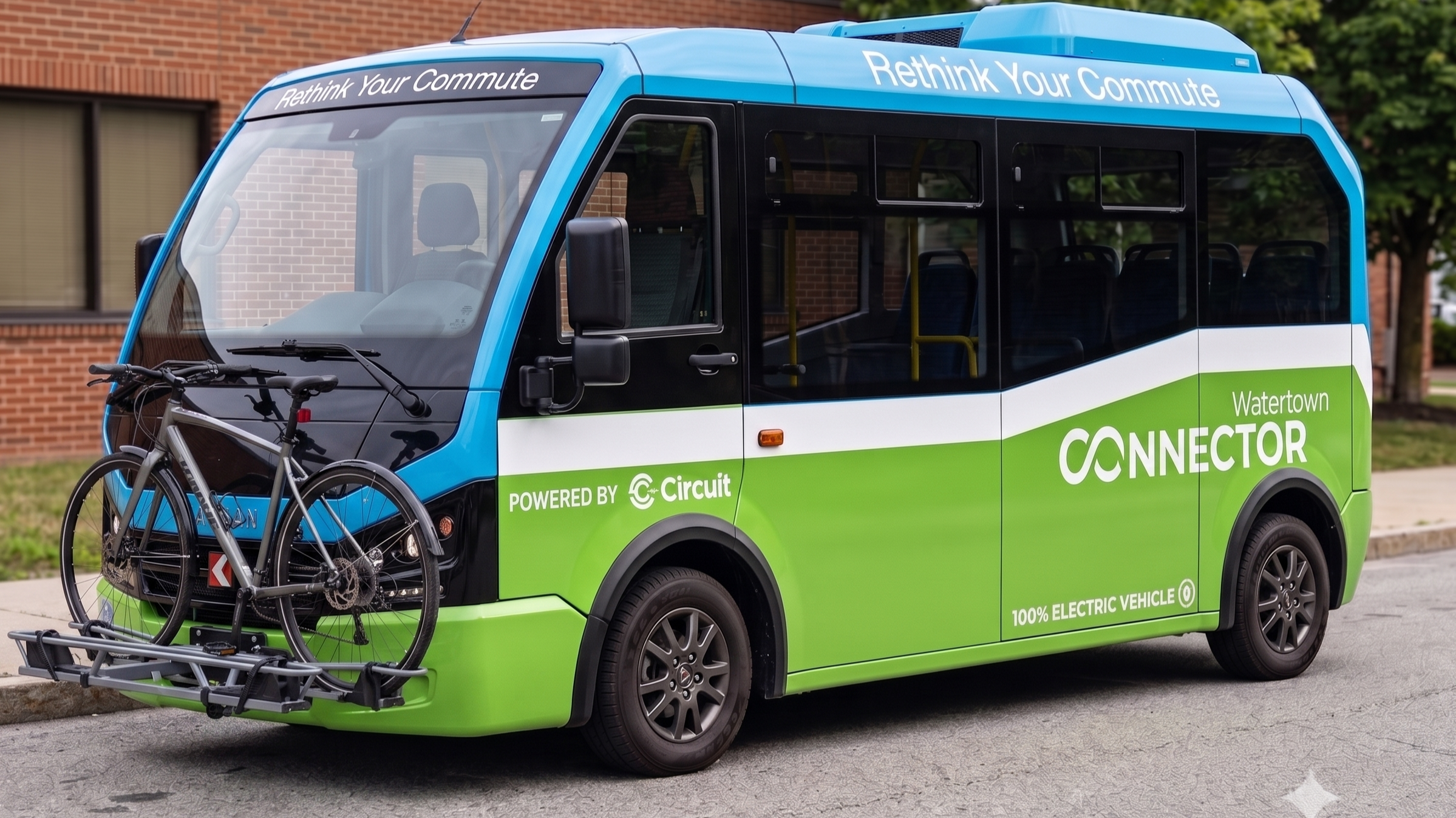
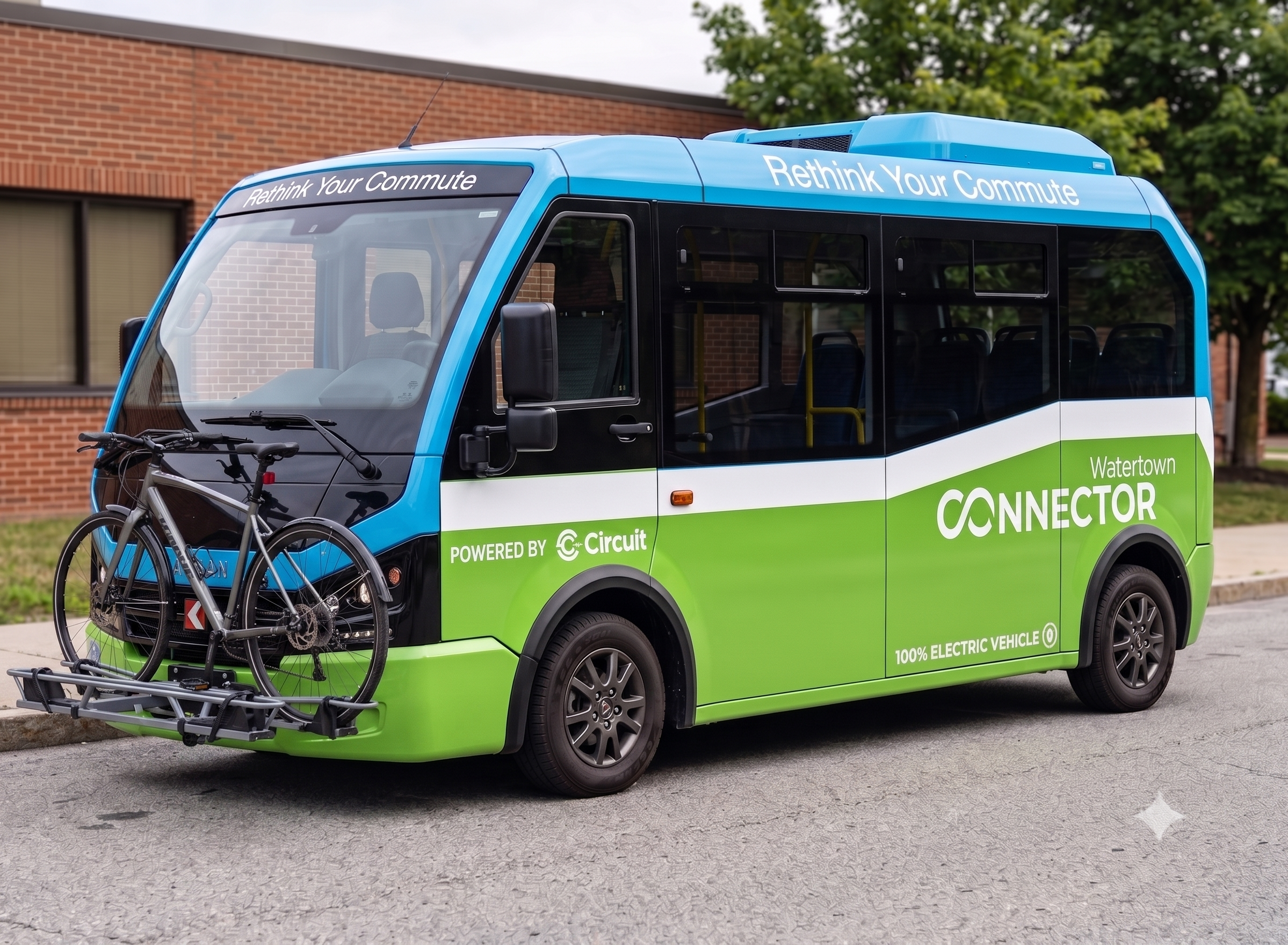
The Watertown Connector (WATConnector) is a convenient, eco-friendly electric shuttle service with two weekday routes serving Pleasant Street and Arsenal Street. Both routes, listed below, connect Watertown riders with Harvard Square during peak morning and evening commute hours, with stops varying by route. Bikes are welcome!
The service is free for employees and residents of WTMA partners (see list below) and available to the public for $1 each way, with a $10 minimum purchase through the app.
Don't have a smartphone?
Watertown residents without access to a smartphone can purchase
tickets at the City Clerk’s office for $1 per ride each way with a
$5 minimum purchase.
Pleasant Street
Arsenal Street
Residential Shuttle Service
The residential route operates at 30-minute intervals with service open to the public, running between Gables and Harvard Square with stops at Elan Union Market Apartments and BLVD & Bond.
Get Your Ticket to Ride
Fast. Easy. Convenient.
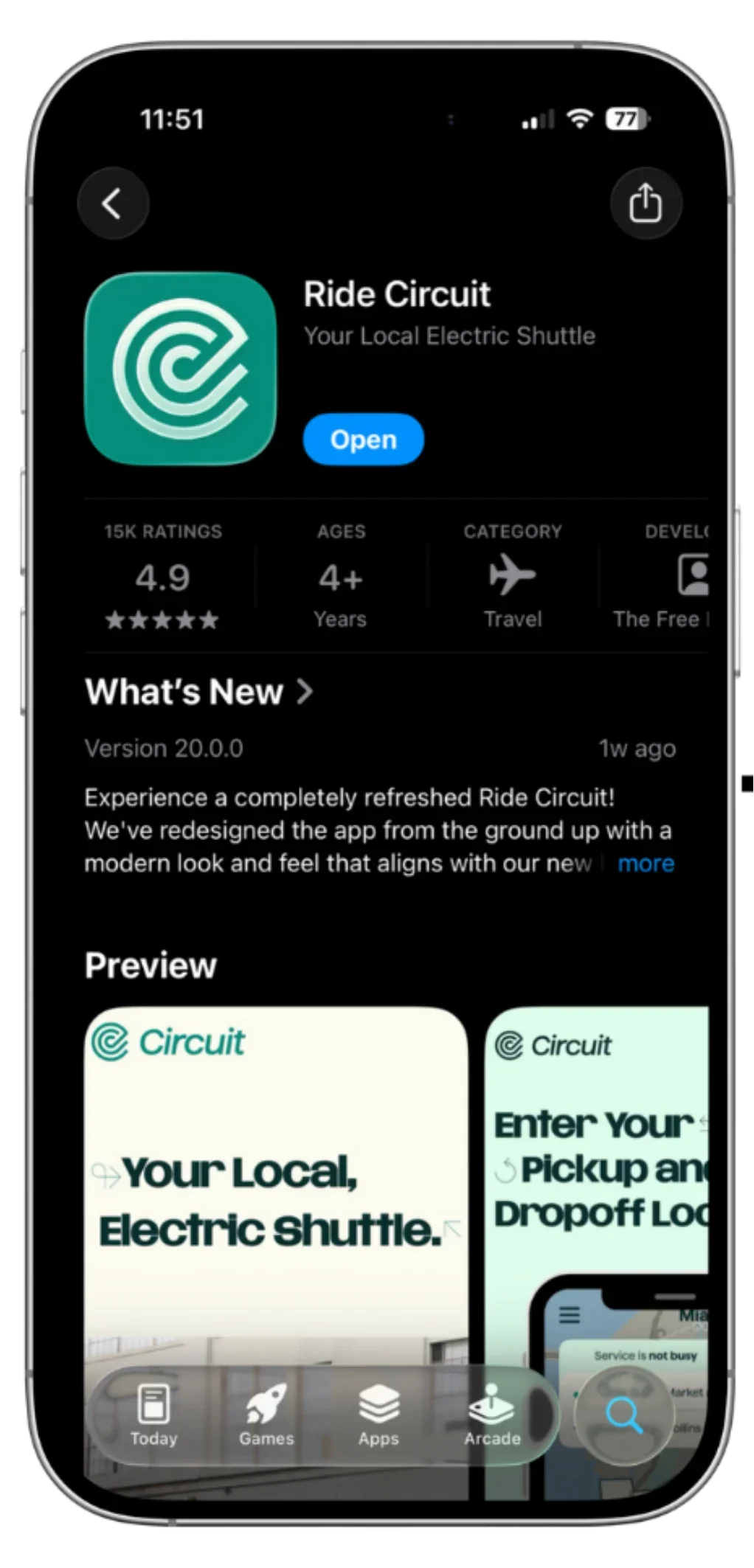
1. Download the Ride Circuit app
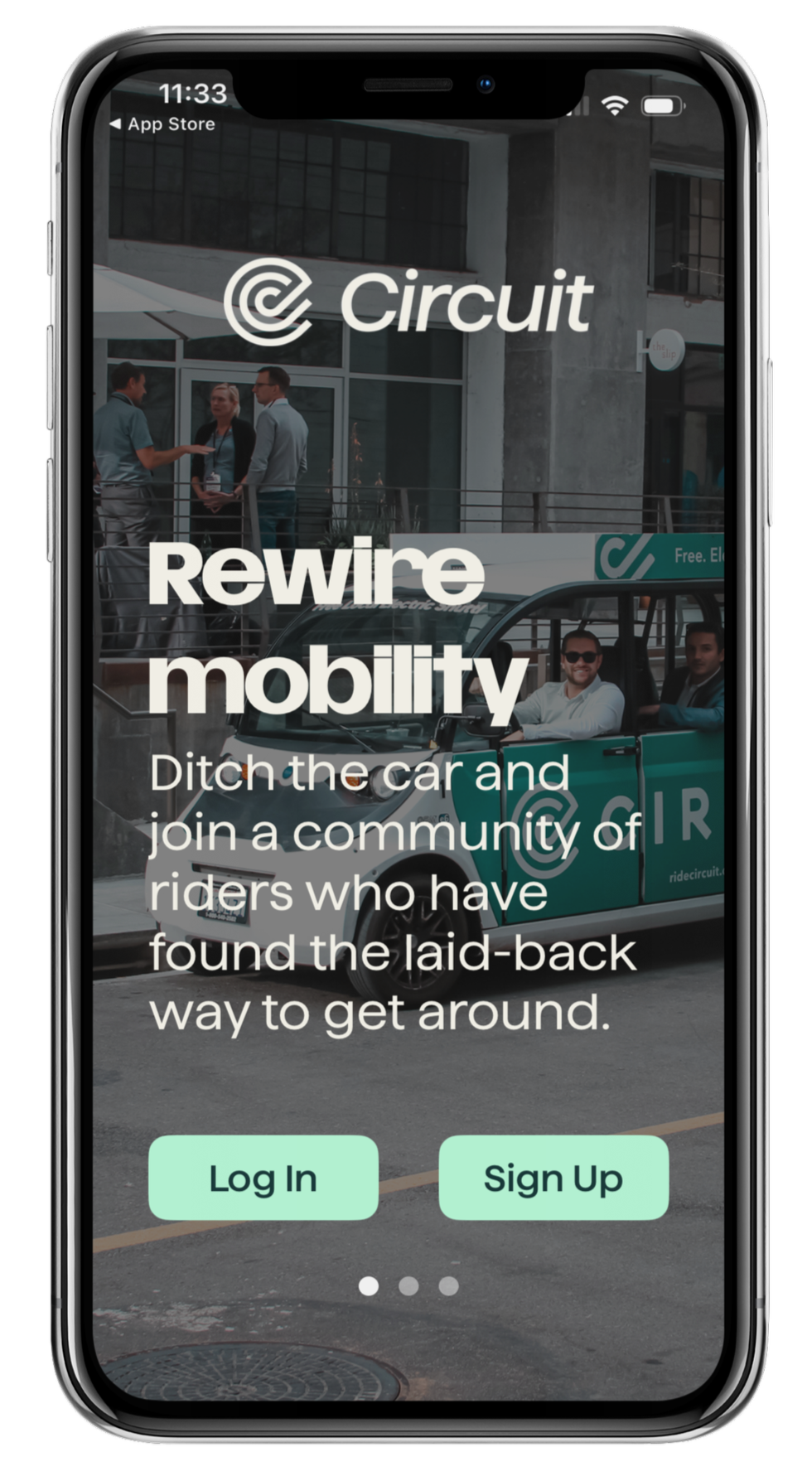
2. Create an account.
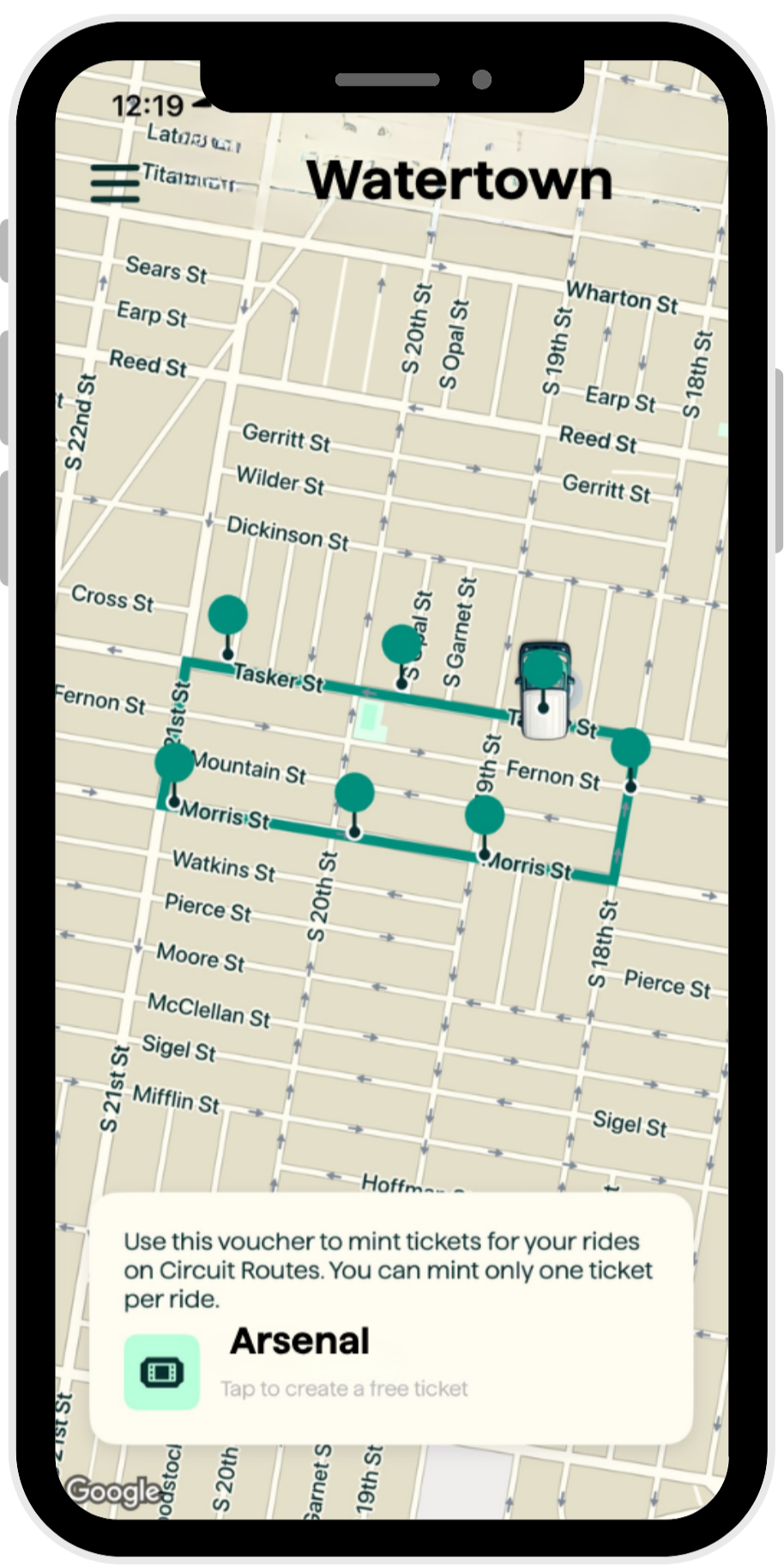
3. Select Watertown as
your location
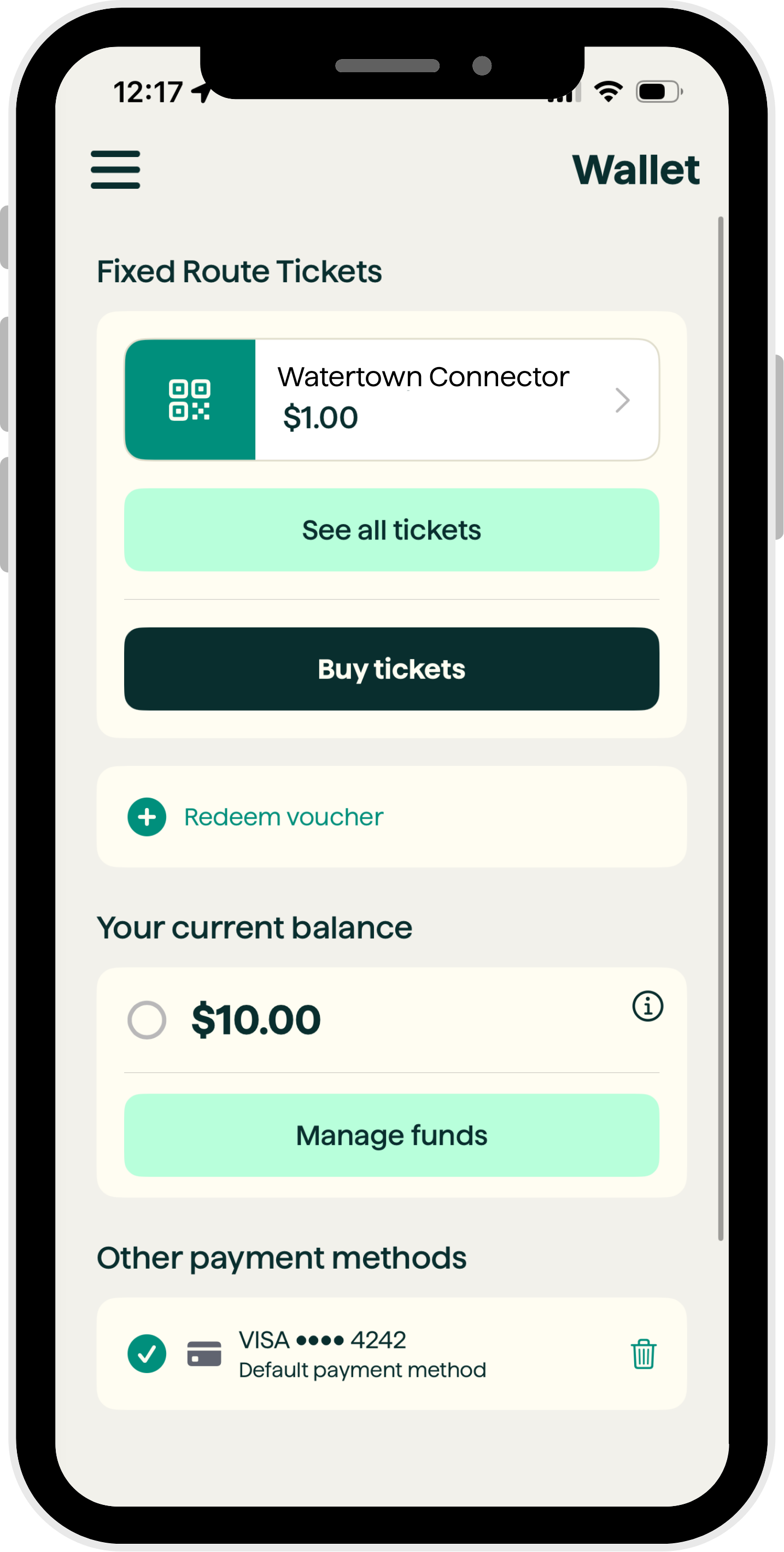
4. Tap Buy tickets to purchase your ride
OR
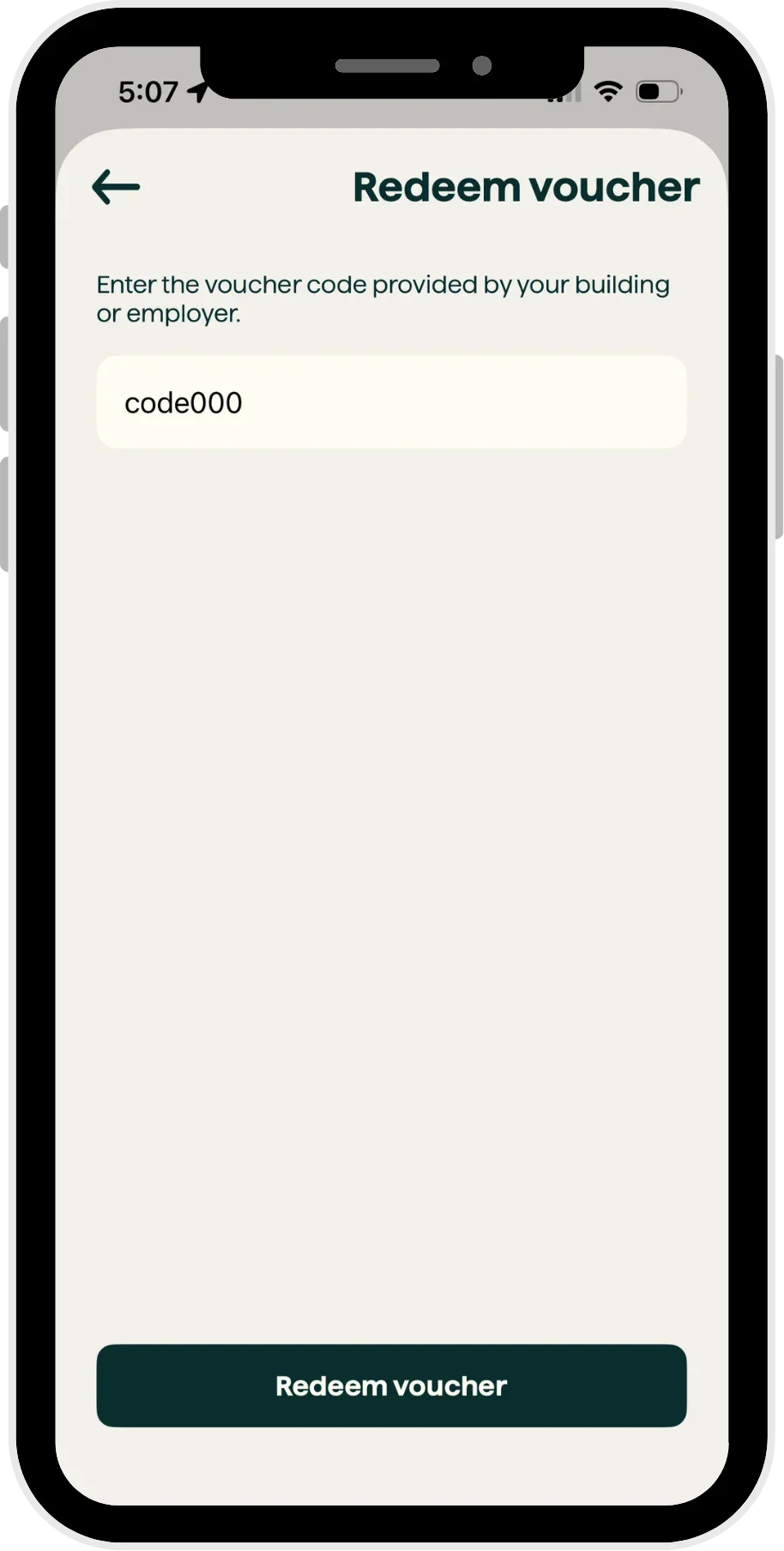
Have a voucher code? Select Redeem voucher
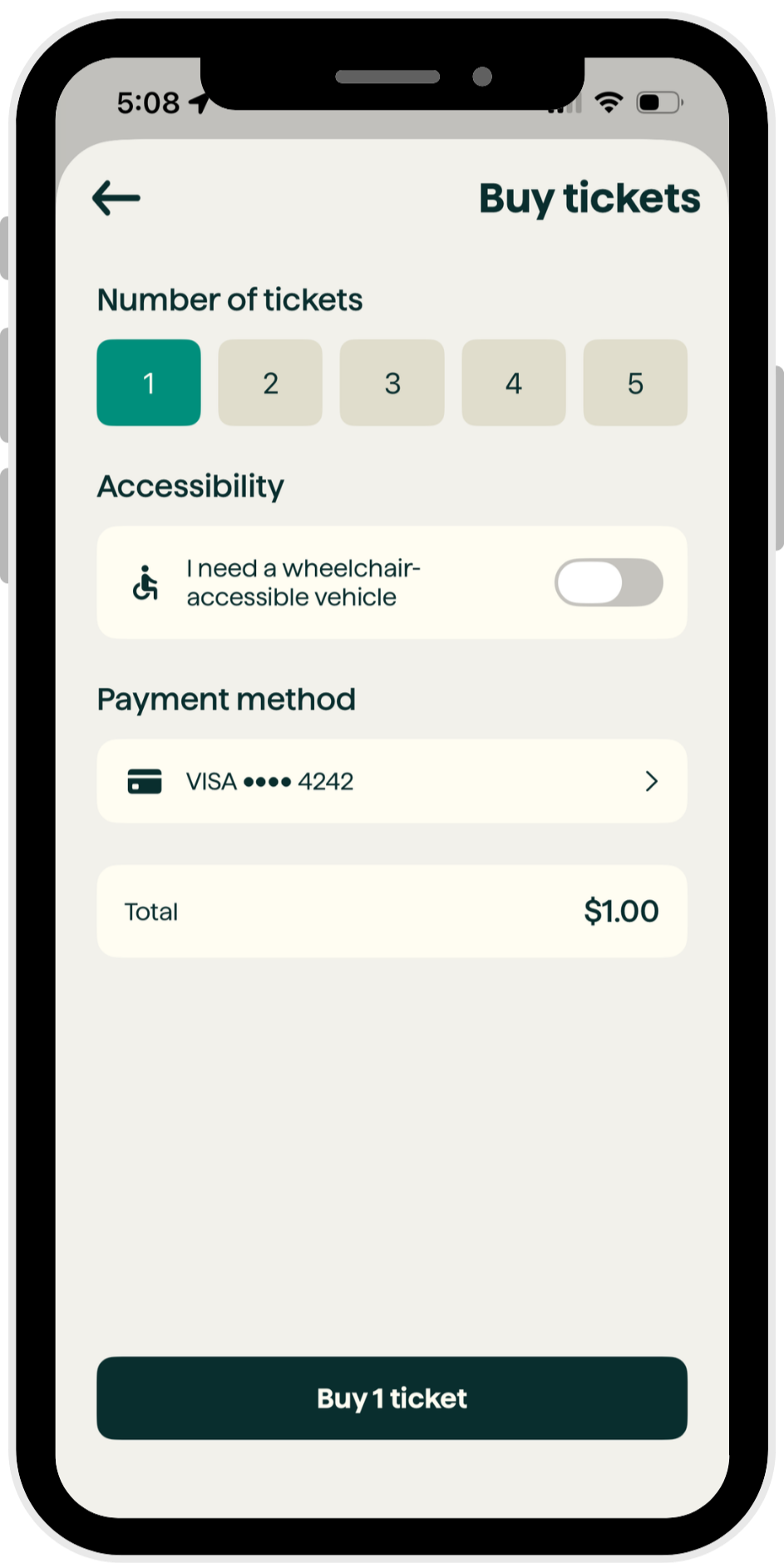
5. If buying tickets, make your selections and complete the payment process . . .
OR
. . . If redeeming a voucher, enter your code and complete the process
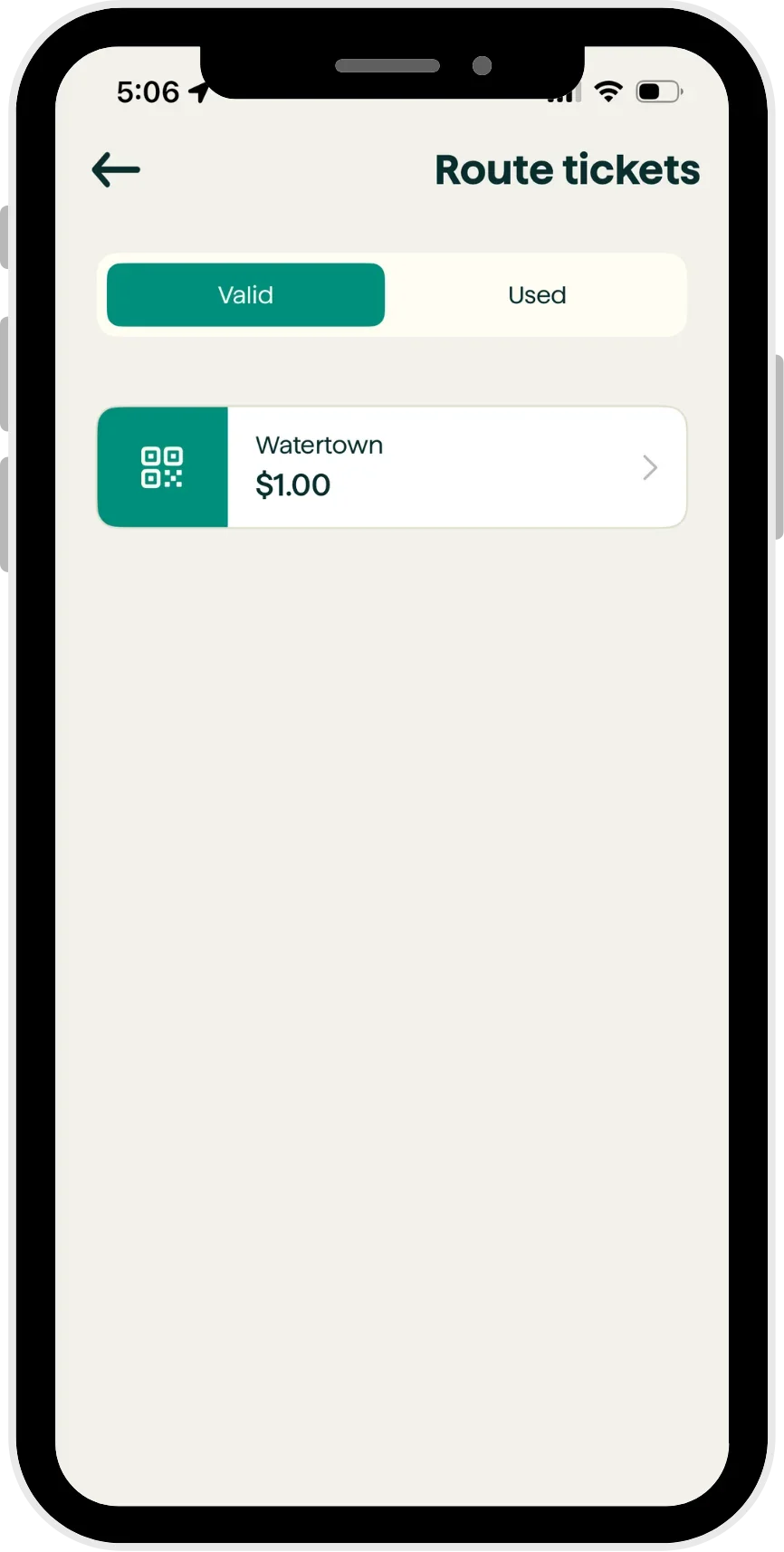
6. Find your ticket in your Circuit wallet
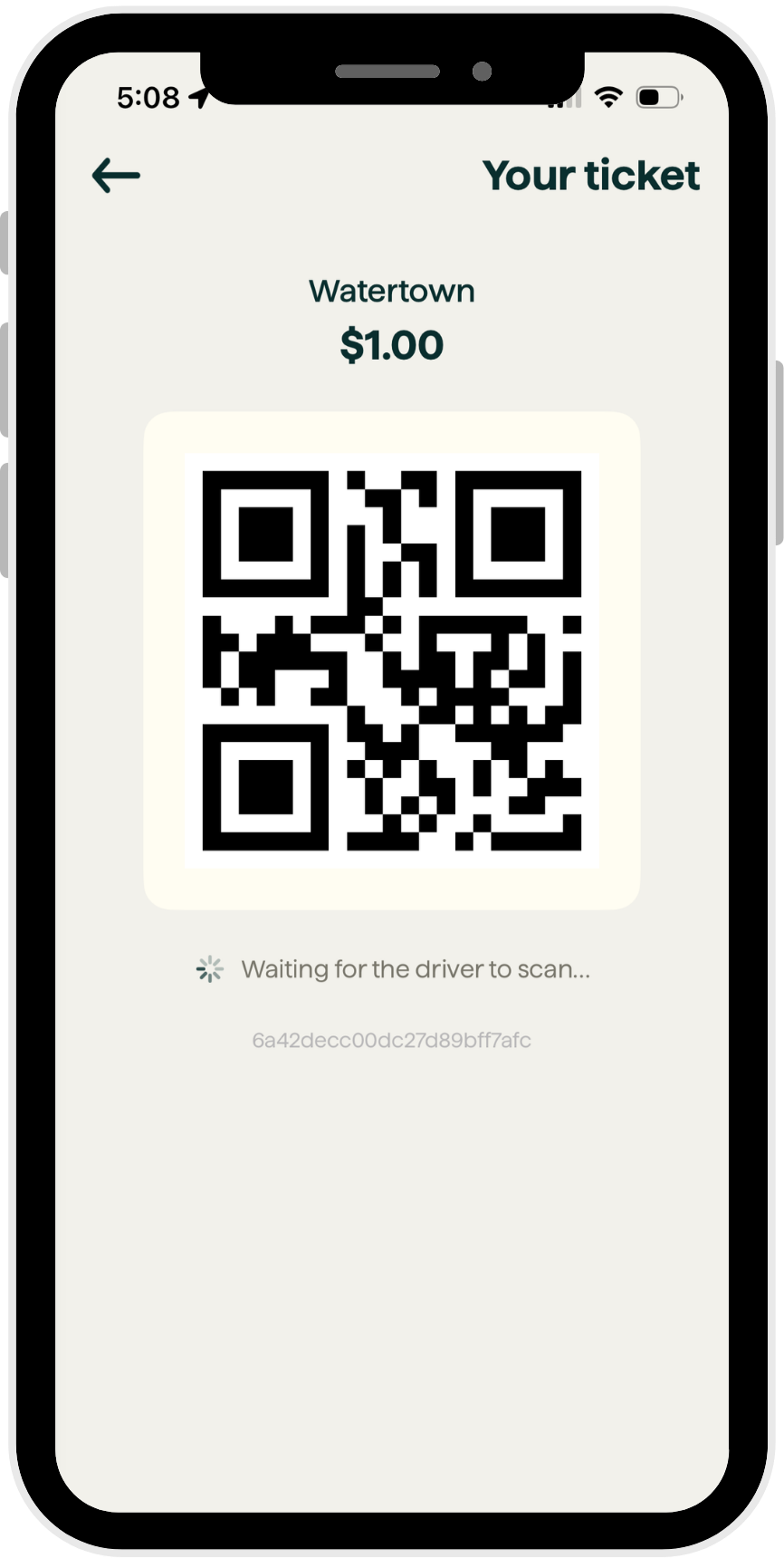
7. Show it to your driver